
Configure a Class to use a Patient Claim Batch Type
Before you begin
Procedure
-
Select . The Class Setup window appears.
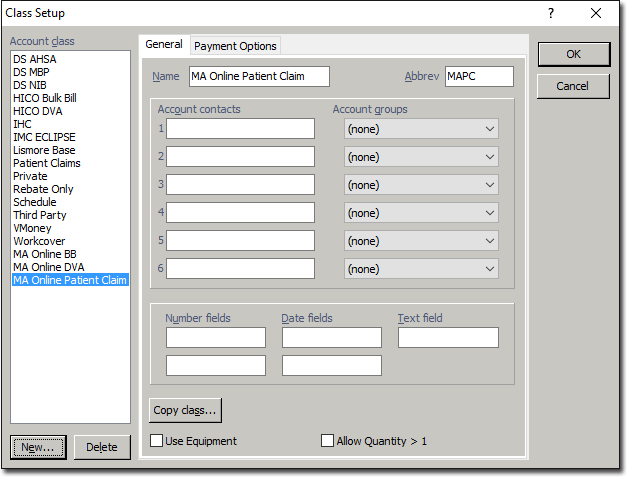
- Within the Account Class list, select the MA Online Patient Claim class, so that it can be configured for batching.
- Select the Payment Options tab.
-
Via the Batch Type drop-down list, select MA Online Patient Claim.
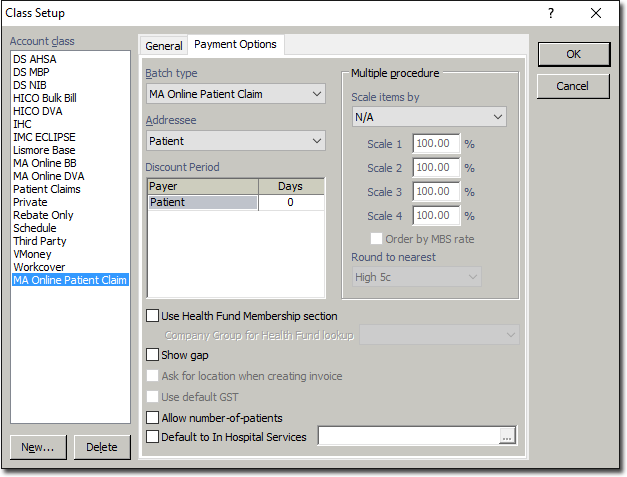
- Click OK.
- Continue to Configure a Practitioner to Use the Patient Claim Class.