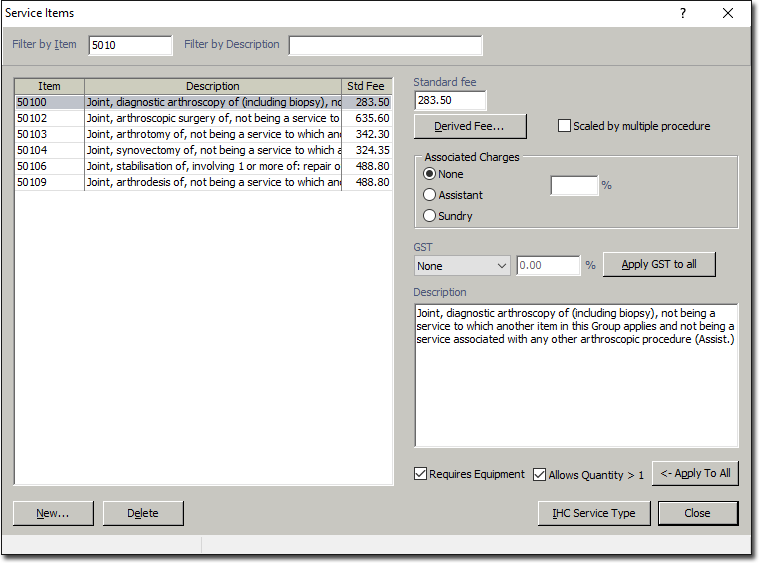
Enabling Non-Medicare Service Items for Quantity / Equipment
Before you begin
To enable a User-defined Fee List Service Item for Quantity and / or Equipment that is used in a Class or Private Billing:
Procedure
-
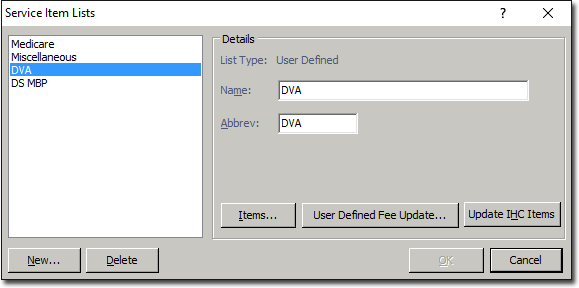
Select . The Service Items Lists window appears.
-
Select the non-Medicare list you want to edit, and then click