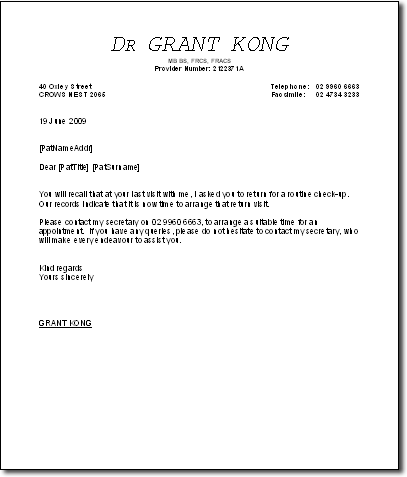
Recall Letter Templates
Create your own recall letter templates which you can then assign to recall types.
Before you begin
Most recalls take the form of Print recalls and are linked to recall letter templates. Before you edit a recall letter template, ensure that a letter based on the template is not currently open.
Procedure
-
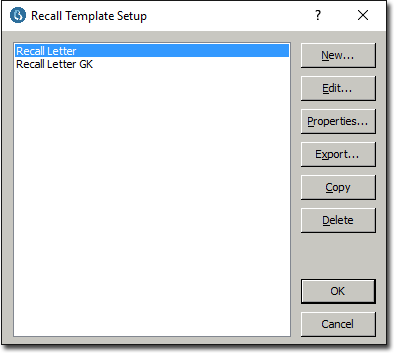
Select s. The Recall Template Setup window appears.
-
Then:
- To create a new Recall Template, click
New The New Recall Template
window appears
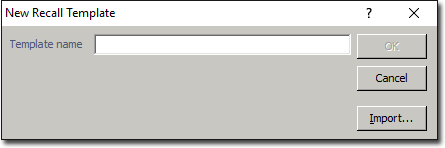
- Name the template and then click OK. to continue. Go to Step 3.
- To edit an existing Recall Template, select the template and click Edit Go to Step 3.
- To rename an existing Recall Template, select the template and click Properties.
- To export an existing Recall Template, select the template and click Export. The template will be exported in Rich Text Format (RTF).
- To create a new Recall Template, click
New The New Recall Template
window appears
Results