
Adding New Staff
Before you begin
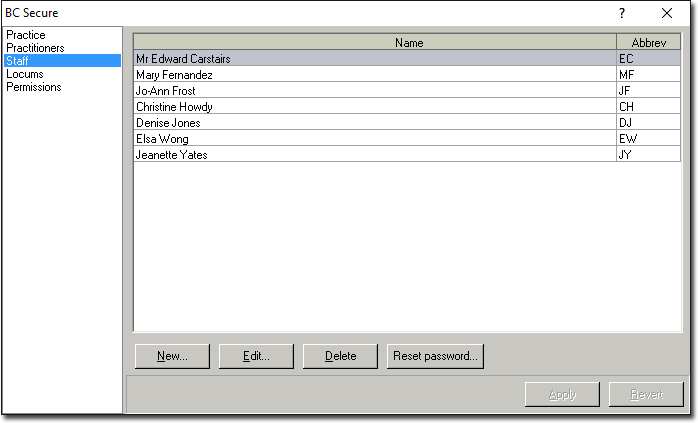
The Staff screen allows the entry of new staff members, editing their names or logon initials, deleting previous employees and resetting their passwords without logging into the Bluechip program.
Procedure
-
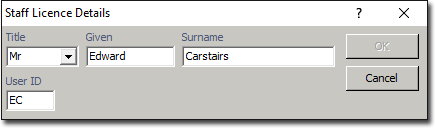
To enter a new staff member, click New The Staff Licence Details window appears.
-
Click

to accept and confirm the change(s), Click Revert to cancel the changes.Edit Opens the Licence Details window of the selected record. When modifications have been performed, click the OK button then the Apply button to confirm. Delete Deletes the selected record. Note that you will not be prompted to confirm this action. If the deletion is performed in error, click the Revert button to undo the deletion. 
Forces a password change for the selected record.