Creating a HealthPoint Account
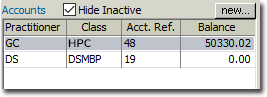
Within each patient's record, you must configure the types of accounts they can be invoiced against.
Procedure
-
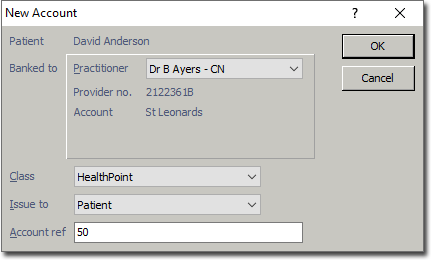
Click Create new account. The window appears.
- Select the patient's practitioner from the associated drop-down menu.
- From the Class drop-down menu, select the HealthPoint class you associated with this practitioner earlier.
-
-
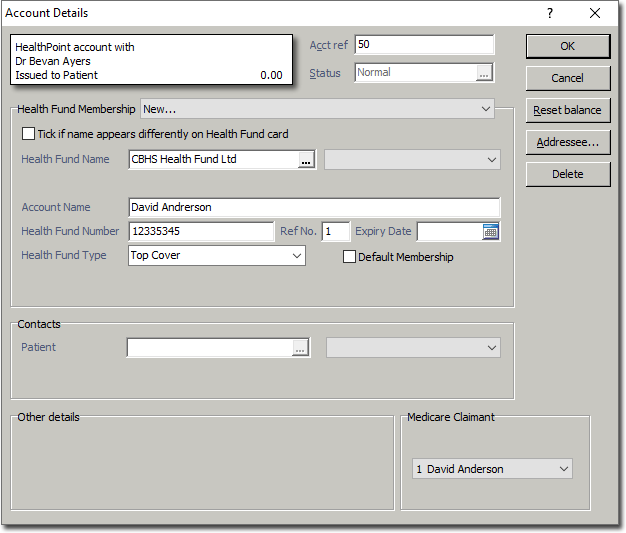
Click OK. You will be presented with the Account
Details window. Configure other settings here as
desired.
Results