HealthPoint Reports
The report shows the details for HealthPoint claims.
Procedure
-
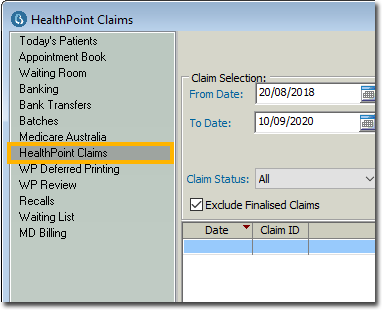
Locate and select the HealthPoint Claims section.
- If you have the Legacy HealthPoint Settlement enabled, you will have the Transmit button enabled, located at the bottom-left of this window.
-
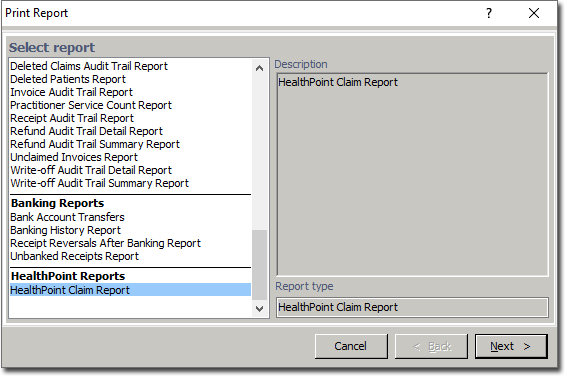
The Print Report windows appear. Select the HealthPoint Claim Report and click Next.
-
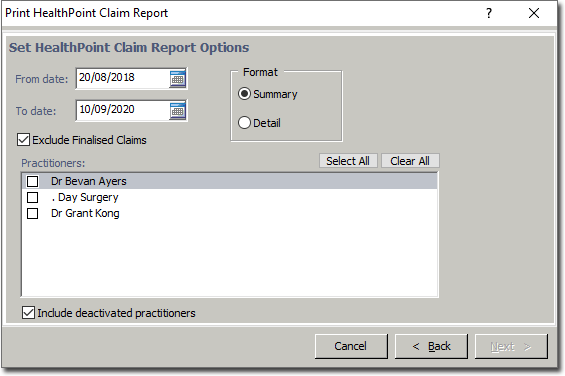
You will be prompted to select options (date range, practitioner(s) and format
(Summary or Detail)) for the report.