
Hospitals (Adding and Editing)
Before you begin
Procedure
-
From the Bluechip main window, either:
- Click
 Folder icon
 - Press Ctrl + O
- Select
- Click
-
The Open window appears.
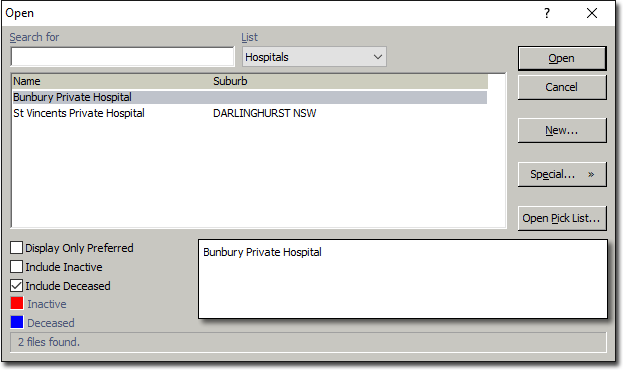
-
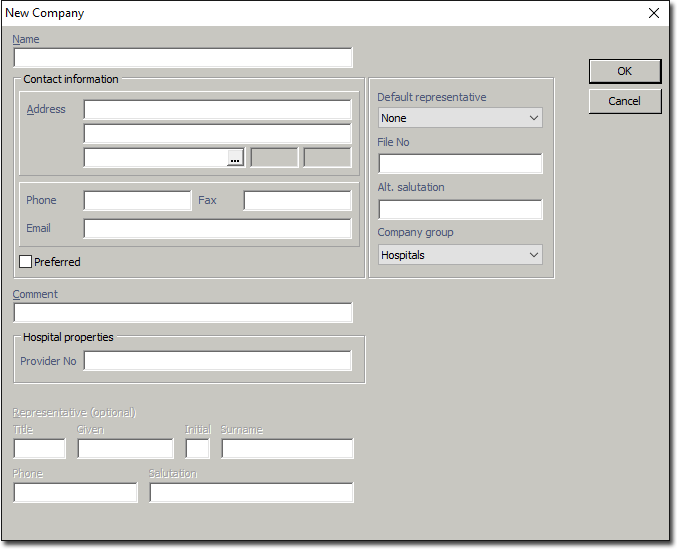
Click New. The New Company window
appears. As a Hospital is considered a subset of 'Companies', a similar window for
creating new Companies is
used. Note that a Company Group of 'Hospitals' is pre-selected for you, and there is
a field available for recording the Provider Number.
Results
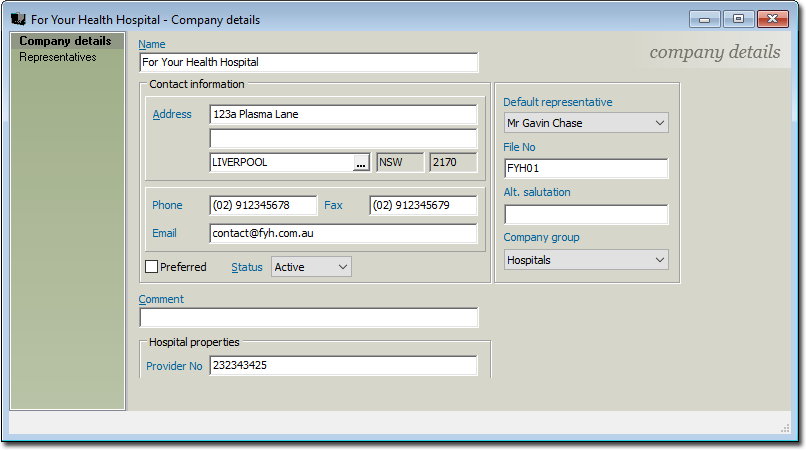
From here you can also manage the Hospital's Representatives.