
Multiple Procedure Scaling
Multiple Procedure Scaling allows you to implement a scaling calculation for multiple procedures on a single invoice, at the time the invoice is issued.
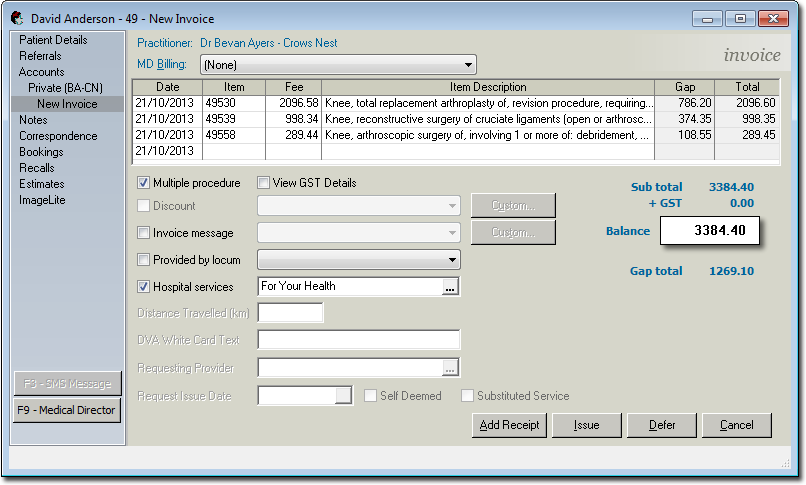
Upon clicking Issue (to issue the invoice) you will be presented with the Multiple Procedure Scaling window.
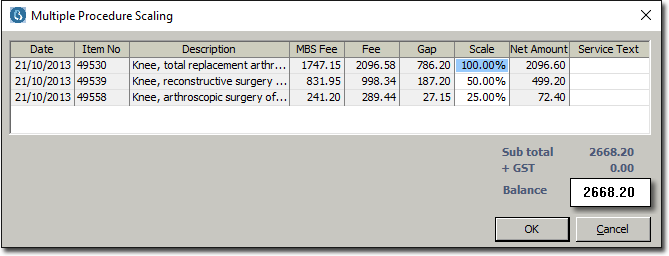
Modify the percentage scaling by entering a new value into the Scale field. When the scaling for an item has been modified it appears in Red text. If you enter a scaling amount less than 100% you must also add a Service Text explanation.
Medicare requires notification when the default scaling applied to service items has been overridden.