
Printing Account Labels
Before you begin
Procedure
- Open the record of the patient for whom you want to print account labels.
-
From within the Patient Explorer, select Accounts from the Margin menu.
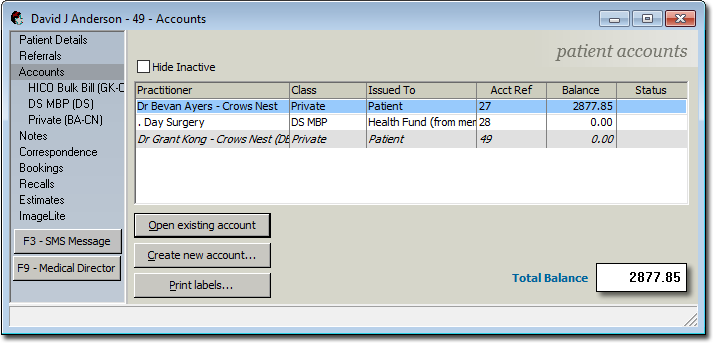
- Select the account you want to print labels for.
-
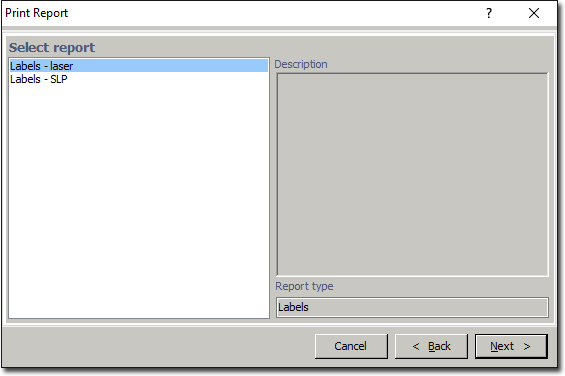
Click Print labels. The Print Report
window appears.
-
Select which type of labels you want to print, and then click
Next. The Print Labels window
appears.
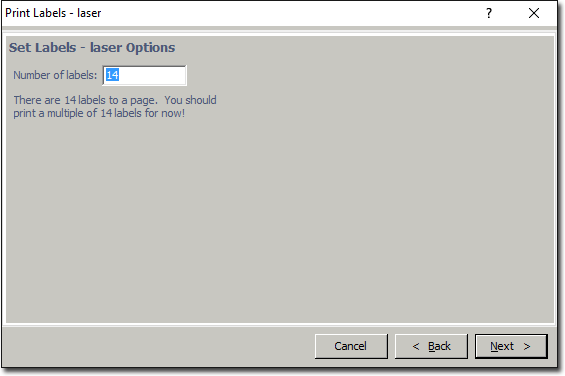
- Enter the number of labels you want to print, and then click Next.
- Ensure that the correct printer and tray are selected and click Next again.