Printing a Complete File List
Before you begin
Procedure
To print a mail merge/list report for an entire file list, e.g. all referring
practitioners:
-
From the Bluechip main window, either:
- Click

- Press CTRL + O
- Select
- Click
-
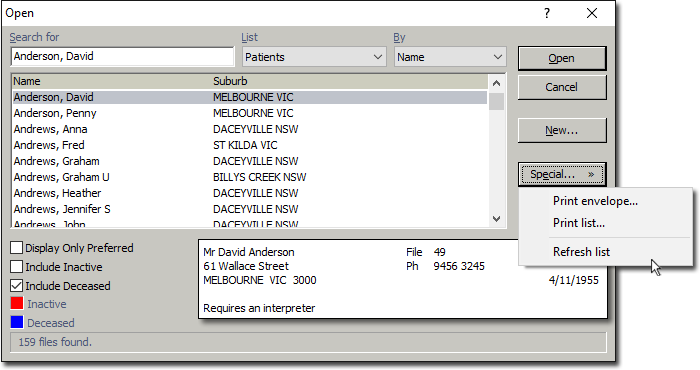
In the Open window, from the List
list, select the type of information you want to print the mail merge/list report
for.
-
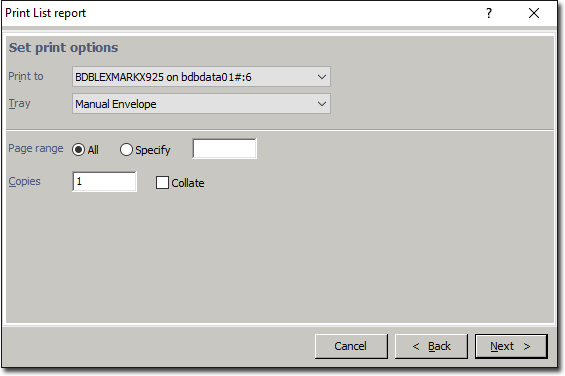
In the Print List Report window, choose your preferred print
options and click Next.