Starting Bluechip
How to start Bluechip on your computer.
Procedure
-
Either double-click the
 Bluechip icon
on your desktop or click Start, navigate to the Bluechip
folder and click Bluechip.
Bluechip icon
on your desktop or click Start, navigate to the Bluechip
folder and click Bluechip.
-
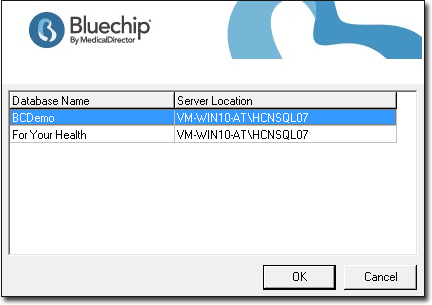
(Optional) If you have multiple Bluechip databases on your network,
select the databases you want to access and click OK. This
window does not appear if you only have one Bluechip database.