Step 3: Configuration - Associate the VMoney Class with a Practitioner
Before you begin
Procedure
-
Select the Class Usage tab.
- Select the VMoney class you created earlier.
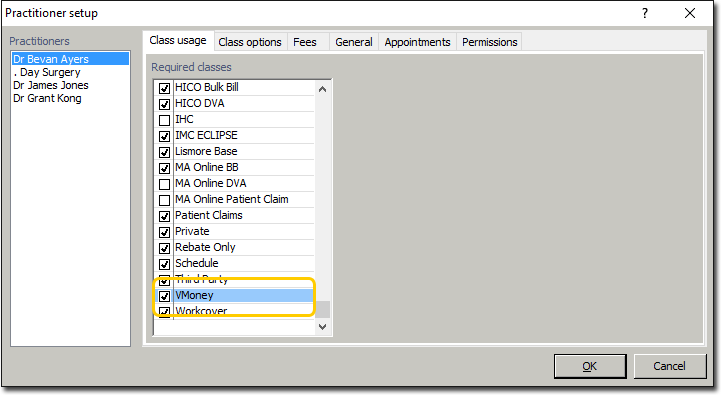
- Select the VMoney class you created earlier.
-
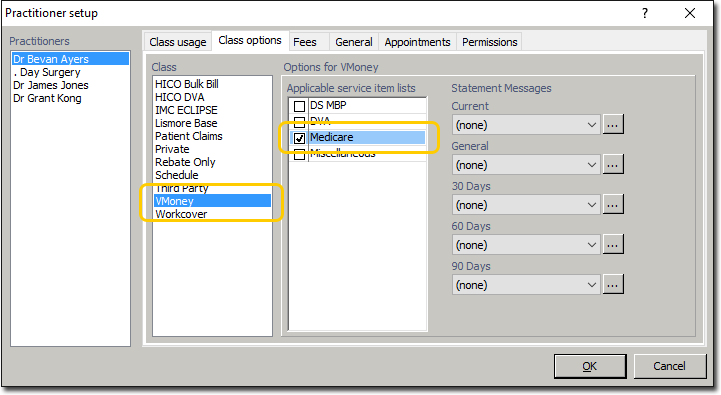
Select the Class Options tab.
- Within the Class section, select the VMoney class you created earlier.
- Within the Applicable service item lists section, select one or more Service Item Lists to use when billing for the VMoney account.