Claim with Tyro HealthPoint.
Procedure
-
Open the patient's record and locate the Accounts section.
-
Locate and double-click the HealthPoint account to open it.
-
Select the Invoices tab.
-
Click New Invoice to create a new invoice.
-
Within the new invoice, add Service Items and service type as desired.
-
Click Gap Estimateto check rebate assigned and gap
amount.
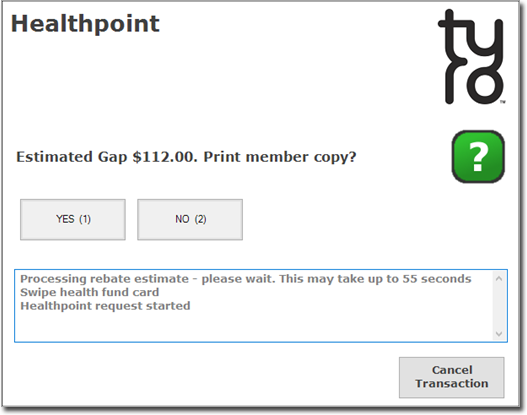
Tyro HealthPoint interface will display the gap estimate information.
-
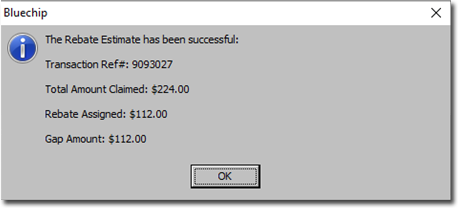
Click Yes to display the rebate.
-
If the patient agrees to proceed, click Issue to create an
invoice.
-
You will be prompted to select the Date of Issue. Alter it if desired, and then click OK
-
You will be prompted to print the invoice. Click HealthPoint
Claimto process and submit the Health Point Claim.
-
You will be prompted to accept or reject the Claim.
Click
ACCEPT (1) to accept the Claim, or alternately you
can
REJECT (2) or cancel the transaction if you do not want to
proceed.
Clicking on ACCEPT (1) will display the benefit
details and provides you the option to process the gap.
Tip: If you accept the claim, you will have instant
payment from Tyro HealthPoint within seconds.
-
Click Yes to process the Gap Amount. You will be presented
with the receipt window. Enter payment details and issue the receipt.
