
Deceased Patients
When a patient dies, record the date of death details.
Before you begin
When a patient is flagged as deceased, you cannot create new accounts, schedule appointments or issue new invoices for them. However, you can process existing invoices for the patient.
To mark a patient as deceased, you must have a permission to Mark patient as Deceased in . For more information, see Permissions.
About this task
Procedure
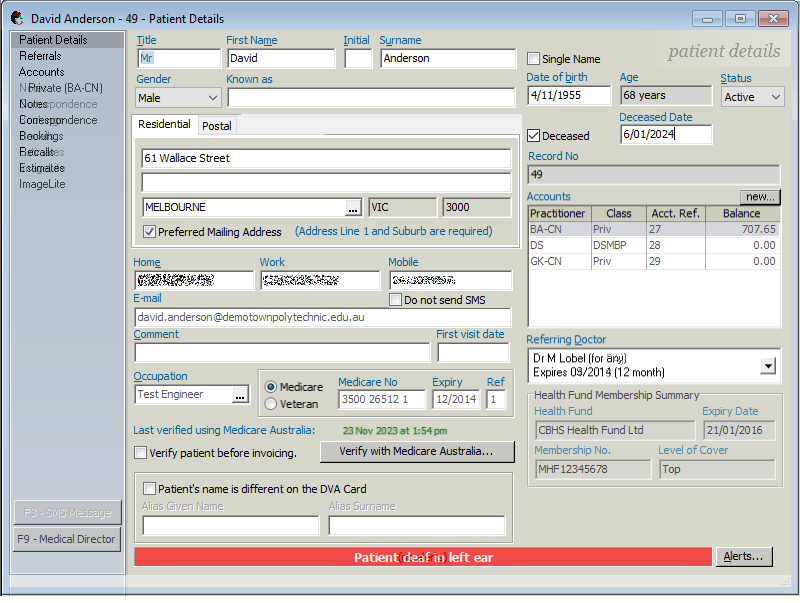
To set a patient as deceased:
-
If required, from the left pane, select the
Patient Details tab.
-
Click
 Save at the top.