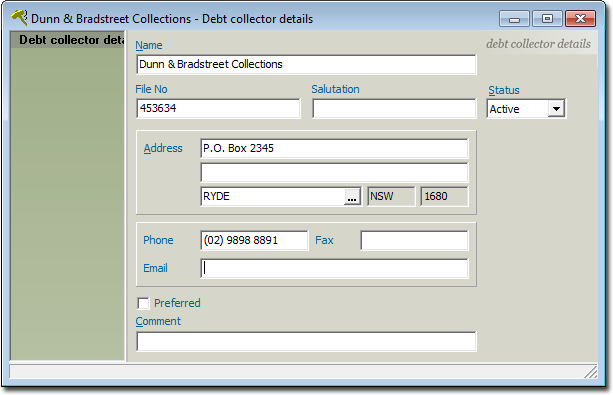
To Add or Edit a Debt Collector Record
Procedure
-
From the Bluechip main window, either:
- Click

- Press Ctrl + O
- Select
- Click
-
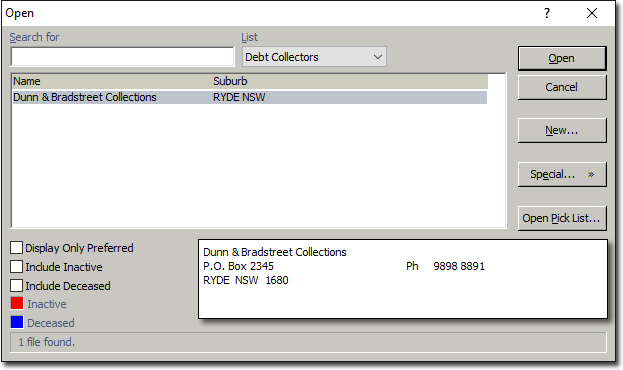
The Open window appears.
-
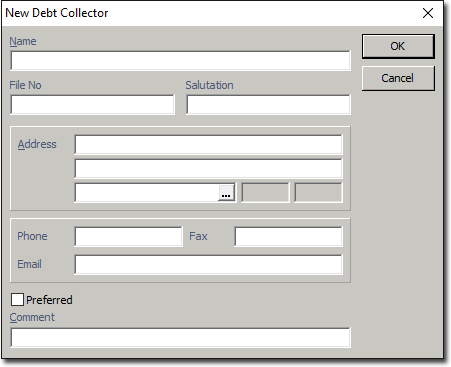
Click New. The New Debt Collector
window appears.|
-
Click OK to save the details. The new record is added to the
list of debt collectors and you are presented with the Debt Collectors Details
window. You can add/modify details here as you want, after which you must click
 Save before closing.