Transferring Money Between Bank Accounts
Transfer money between bank accounts.
Before you begin
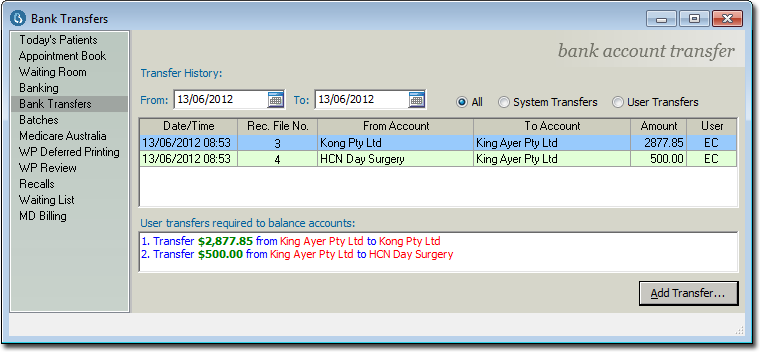
You can transfer money between bank accounts with the Bank Transfer window in the Practice Explorer.
Procedure
-
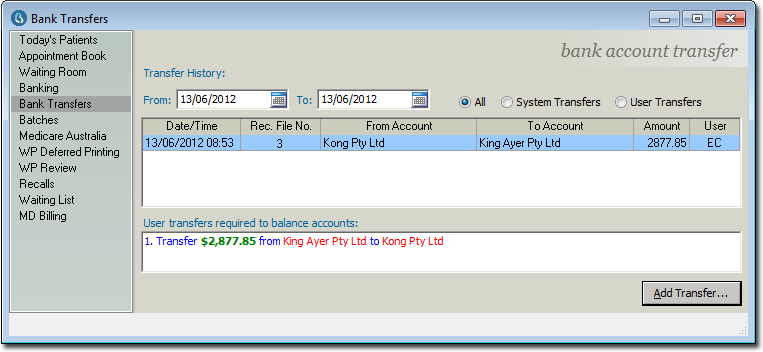
Within the Practice Explorer, select the Bank Transfer menu item. The Bank Transfer window appears.
-
Click

The Add Bank Account Transfer window appears.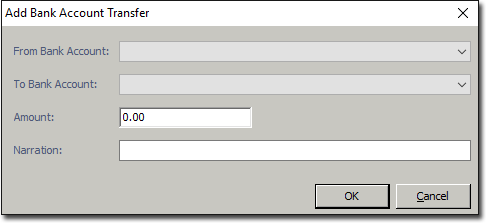
- Select the account you want to transfer money from and to.
- Enter the amount you want to transfer.
- Enter a note about the transfer.
-
Click OK. to confirm. The new transfer will appear within the window.