Practice Explorer
Access and display information about your practice and its activities.
Practice Explorer contains general data about your practice's activities, including appointments, banking, online claiming, and recalls. The Practice Explorer should not be confused with the Patient Explorer, which gives you access to patient-specific information.
The Practice Explorer is accessed by:
- Selecting
- Pressing F12
- Clicking Practice Explorer at the bottom-right of the Bluechip main window
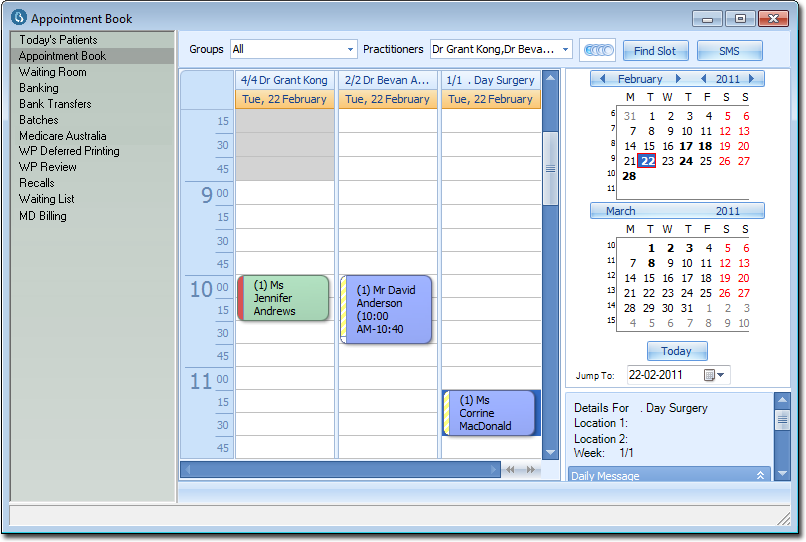
The following image shows the Practice Explorer with the Appointment Book selected.