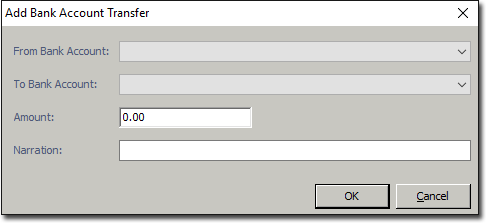
Viewing and Adding a Bank Account Transfer Before you begin Procedure Select Practice Explorer > > Bank Transfers from the Main Margin menu. The Bank Transfers window appears. To add a transfer, click The Add Bank Account Transfer window appears. Select the appropriate bank accounts from the drop-down fields and enter the transfer amount and a narration. Click OK. The entry is displayed and highlighted in green. To view the narration, hover the mouse over the entry in the grid. Results