Assistant Record Setup
Procedure
-
From the Bluechip
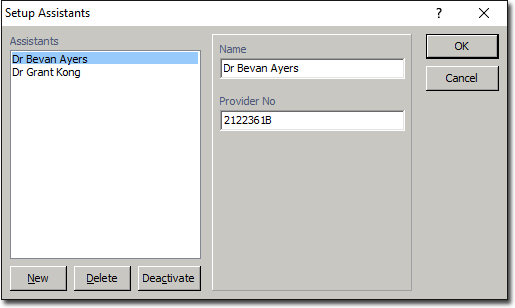
main window, select . The Setup Assistants window appears.
-
Perform any of the following actions:
- Create a new assistant by clicking New. A blank record is created in which you can enter the assistant's Name and Provider Number.
- Delete an existing assistant by selecting them from the list and clicking Delete. You cannot delete an Assistant with historical financial records.
- Deactivate an assistant by selecting them from the list, and clicking
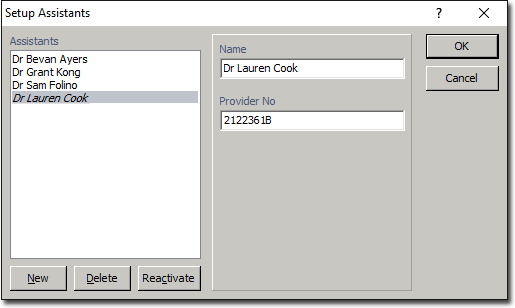
Deactivate. Deactivated records appear in italics, as
shown in the example below. Note also that you can reactivate a deactivated
record, by selecting it and clicking Reactivate.