
Create a New Service Item
Create a new miscellaneous Service Item called Sundry, Overpayment (or whatever service item description is appropriate for your practice) to cater for the invoice required on the Patient file.
Procedure
-
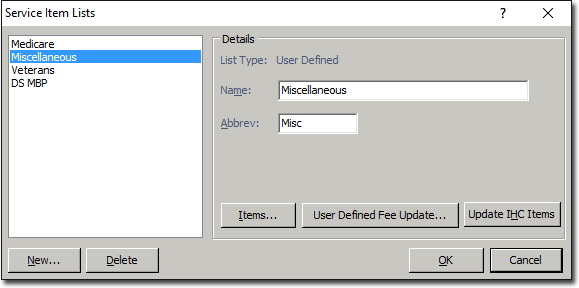
Select , and then select Miscellaneous from the Service Item List.
-
Click New to display the New Serviced
Item window, and enter the new service item
number. In this case an alpha abbreviation is suitable. For example,
the Service Item Overpayment is the most appropriate for the
demo Practice's workflow and the number (abbreviation) is
Over.
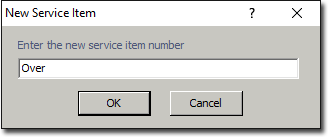
Note:This field has 8 characters only. The description text box will cater for the extended name or details required.