Deleted Patients Report
Lists all deleted patient records over a given period.
Before you begin
Procedure
-
Either
- Click

- Press Ctrl + P
- Select
- Click
-
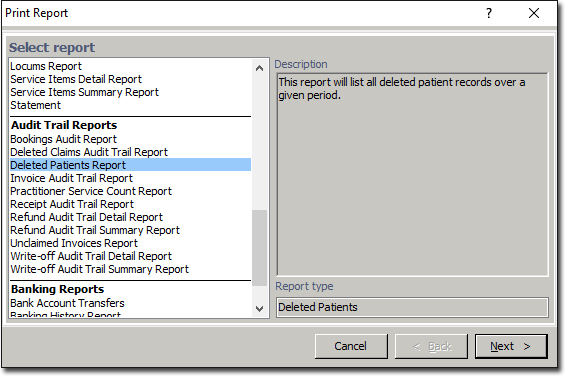
The Print Report window appears.
-
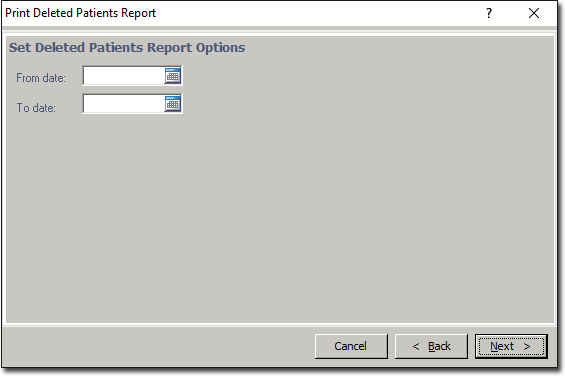
Select Deleted Patients Report from the list of reports and click Next The Print Deleted Patients Report window appears.