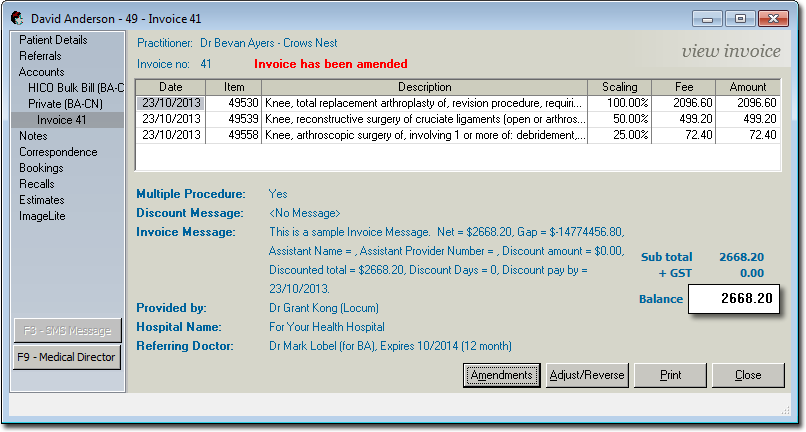
To Amend an Invoice
Procedure
- Open the patient's record.
- Select the Accounts menu item.
- Locate and select the account that is associated with the invoice you want to amend, and then click the Open Existing Account button.
-
Within the account details, locate the invoice you want to amend, and then click Open
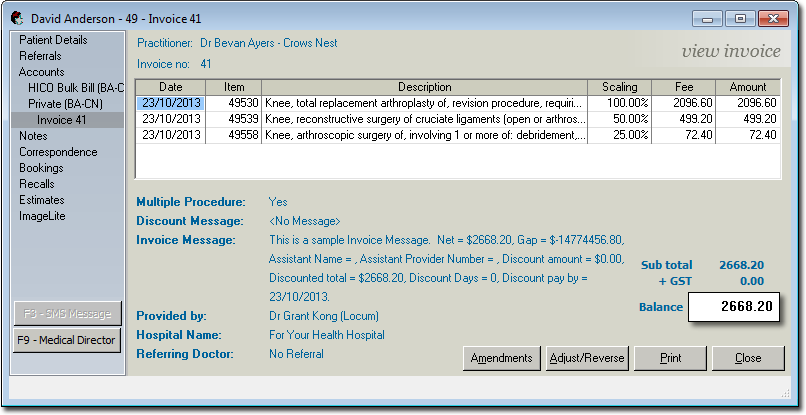
-
Click Amendments and then select Amend
Invoice from the list of options that appears. The Amend
Invoice window appears.
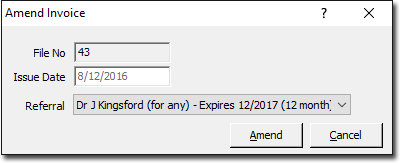
- Select a different referral to associate with this invoice. When amending an invoice this is the only field you can adjust.
- Click Amend to confirm any changes.
Results