Unbanked Receipts Report
Provides a list of receipts that have not yet been banked.
Before you begin
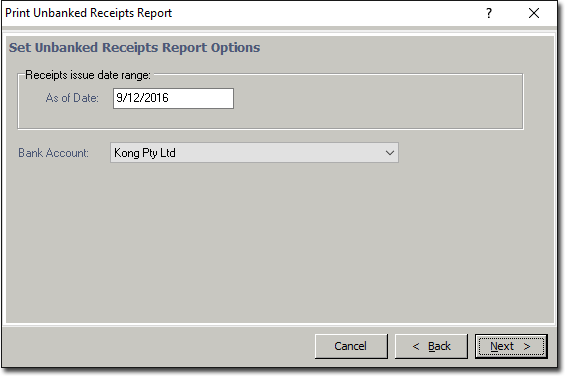
This report lists unbanked receipts for the selected bank account for a specified period.
Procedure
-
Either:
- Click

- Press Ctrl + P
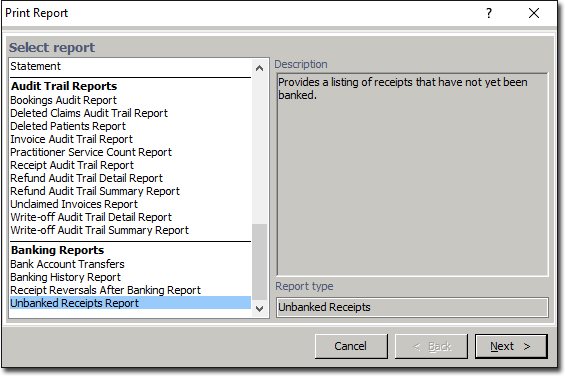
- Select The Print Report window appears.
- Click
-
Select the from the list of reports and click the Next button. The window appears.