
Print the In Hospital Claim Payment Report
Procedure
-
To print the payment report, select the claim and click
 Print.
-
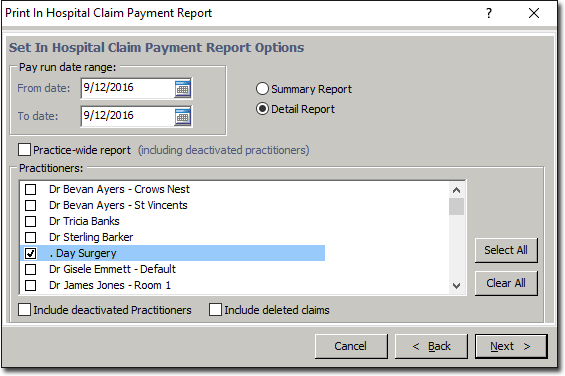
Click Next. You will be prompted with print options for the
report.
- If you choose to include deleted claims, they will be printed in
italics.
- If you choose to include deleted claims, they will be printed in
italics.