
Medicare Australia Claimant Declaration (Patient Claims) Report
The Medicare Australia Claimant Declaration (Patient) prints a document that states the patient is liable for the expenses of the services and these are not excluded under the Health Insurance Act 1973.
Procedure
-
In the Medicare Australia - Online Claims window, either:
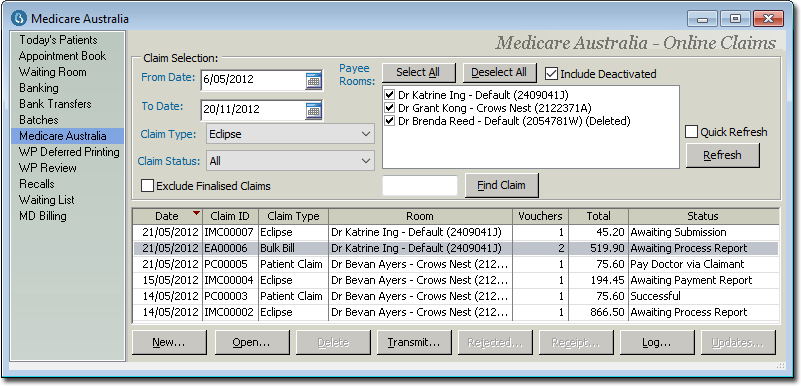
- Click
 Print
Print - Press Ctrl + P
- Select
- Click
-
In the Print Report window, select Medicare
Australia Claimant Declaration (PC) from the Medicare category in the
list of available reports, and click Next.
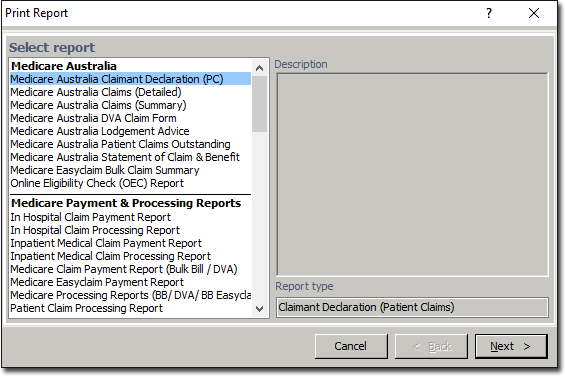
Notice that because this window was called whilst the Medicare data was in view in the Practice Explorer, Medicare reports are now available, where they would not normally appear.
Results
If you chose to include deleted claims, they are printed in italics.