
Printing Appointment Lists
Print a list of a day's appointments.
Before you begin
Procedure
- Open the Practice Explorer.
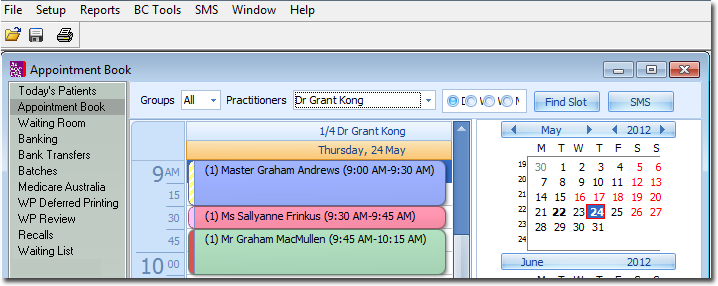
- Select the Appointment Book menu item.
-
Within the Appointment Book, use the calendar tool to select the day of the appointments you want to print. You can only select one day at a time.
-
Click
 Print.
- In the Print Report windows, select one of the Appointment reports.
- Click Next.
- Select one or more practitioners and appointment types to print. You must make a select from both sections to continue.
- Click Next.
- Set print options as desired.
- Click Next.