Create a Daily Message
Before you begin
Procedure
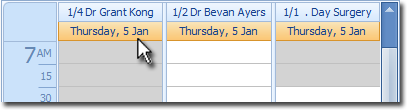
- Open the Appointment Book.
-
Within the Appointment Book, select the practitioner for whom you want to create a
daily message.
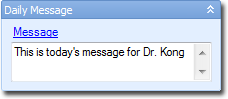
- In the Daily Message section at the right of the Appointment Book, click the Message header link.
- In the Edit Daily Message for (date) window appears, enter your message.
- Click OK.
Results