
Waiting List Report
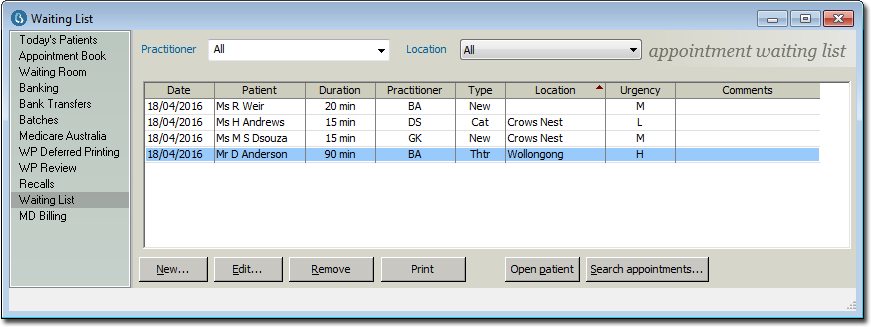
This report provides you with a list of all patients currently on the Waiting List.
Before you begin
Procedure
-
In the Appointment Waiting List window, click
Print.
-
In the Print Waiting List Report window, indicate where you
want to print to. Either:
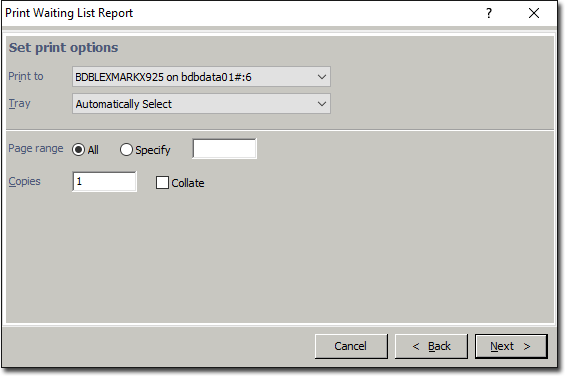
- A printer (you can also indicate the print tray).
- Print to a file (either .csv or .rtf format)