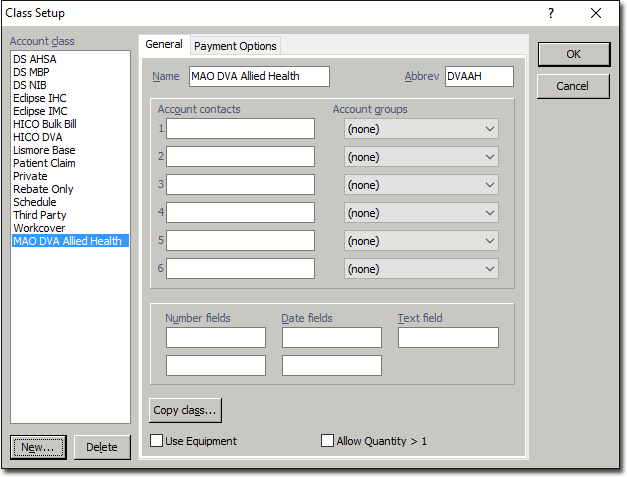
Configure a Class for Medicare Online DVA Allied Health
Before you begin
First, ensure you have configured a Batch Type for Medicare Australia DVA Allied Health
Procedure
-
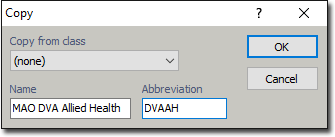
Click New The Copy window appears. Enter the following settings;
- Copy from class: (none)
- Name: MAO DVA Allied Health
- Abbreviation: DVAAH
-
Click OK The class is added to the list of account classes.