Making Multiple Recurring Appointments
Set up appointments that repeat at regular intervals.
About this task
The Bluechip appointments system enables you to make multiple recurring bookings for your patients. For example, a patient may need to make an appointment for 4:30 pm, every two weeks, over a period of twelve weeks. Another example may be a patient who needs to return once a month for the next twelve months.
Procedure
-
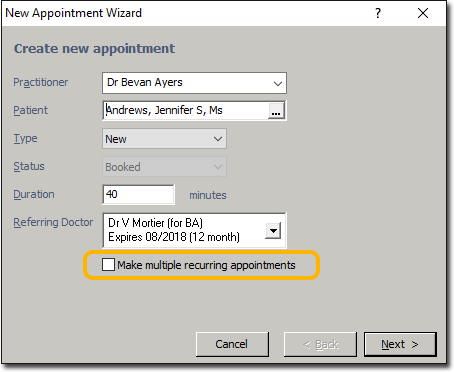
Select the Make Multiple Recurring Appointments check box
and click Next. The Creating Recurring
Appointments window appears.
-
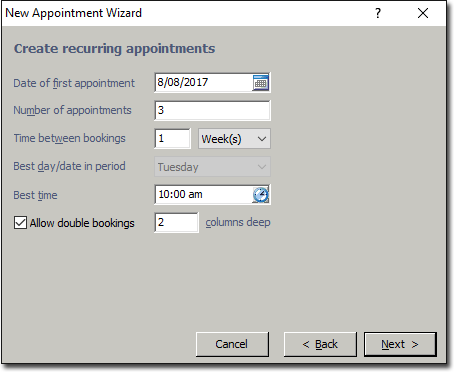
Enter the appropriate details and click Next The
Revise Recurring Appointments window appears.
-
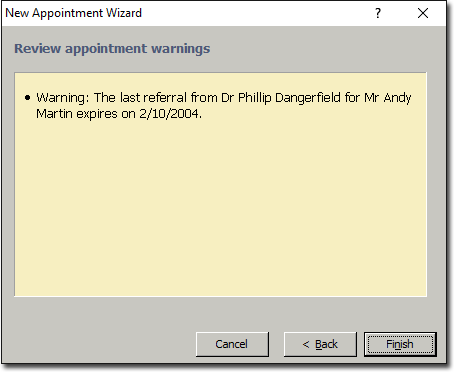
Click Finish.
The Review appointment warning window appears if there is information you may need to know for each appointment. For example, if you have forced any bookings to be made outside of regular working hours, or if a referral expiry is due.